QR payments for businesses
Customers pay in their currency.You receive yours.
Enter the amount you want to receive. Your customer scans a QR code and pays through their banking app.
Start onboarding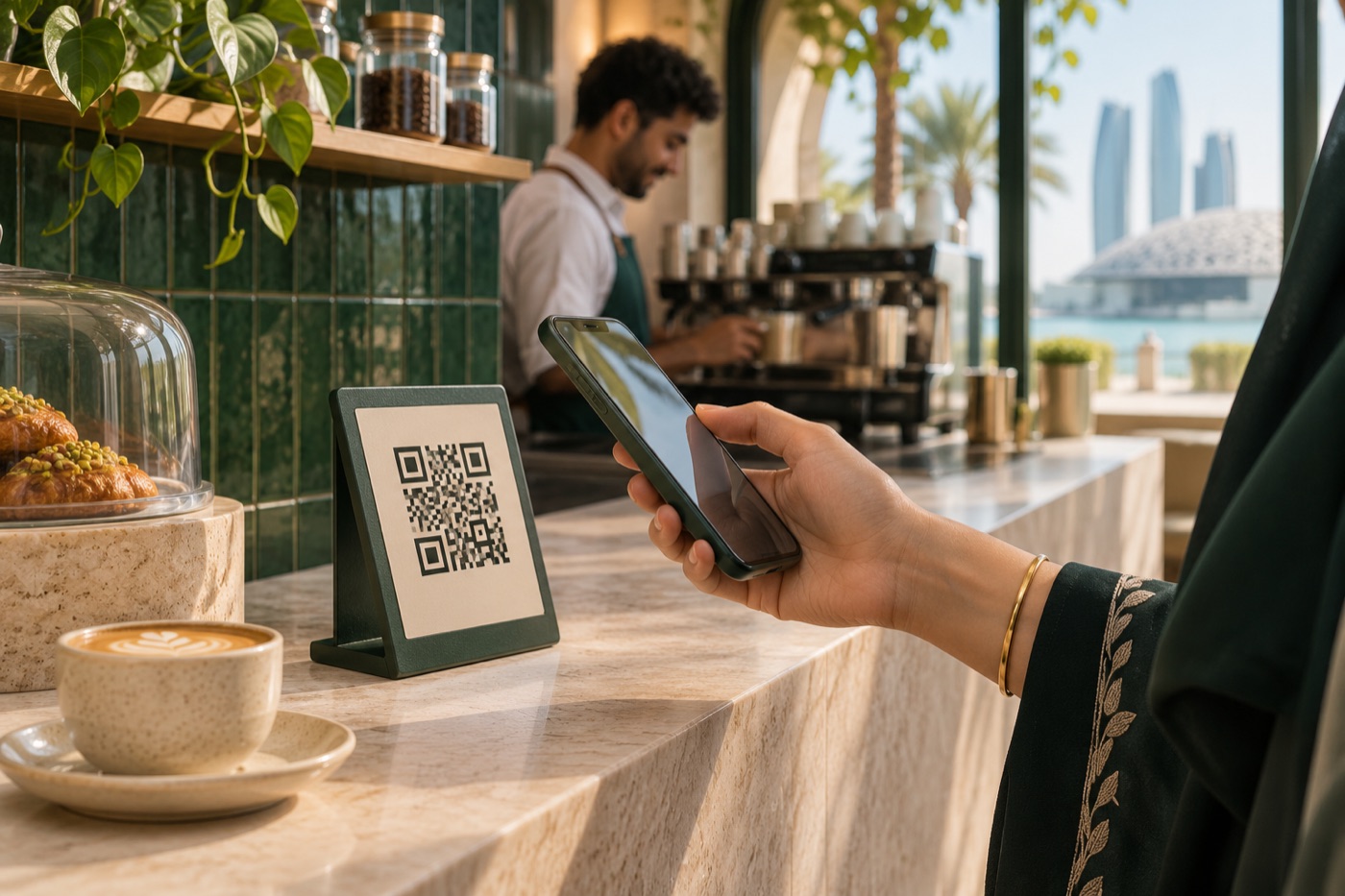
- Merchant sets the priceEnter the amount in your settlement currency.
- Pay at Home creates the QR codeThe customer sees the total in their currency, including applicable fees.
- Customer scans and paysThey pay through their local banking app.
- Merchant receives the fundsThe payment partner transfers the funds to your business bank account.
Who can use Pay at Home
- Restaurants and cafés
- Car rental companies and dealerships
- Service providers
- Utility companies
- Property rental and sales businesses
- Hotels and serviced apartments
Getting set up
Share your company details
Send your company details and website, then sign an agency agreement with the payment partner.
Get access to the bot
Your team enters the order amount and generates a QR code for the customer.
Run a test payment
Confirm that the funds reached your business bank account. Then you can start issuing payment QR codes.
Settlement and refunds
When do I receive the funds?
Settlement is on the same day or within the timeframe agreed with the payment partner.
How do refunds work?
Refunds are handled manually. Email us with the payment reference to request a refund.
Can I collect a security deposit?
Rental businesses can collect security deposits as a separate payment.